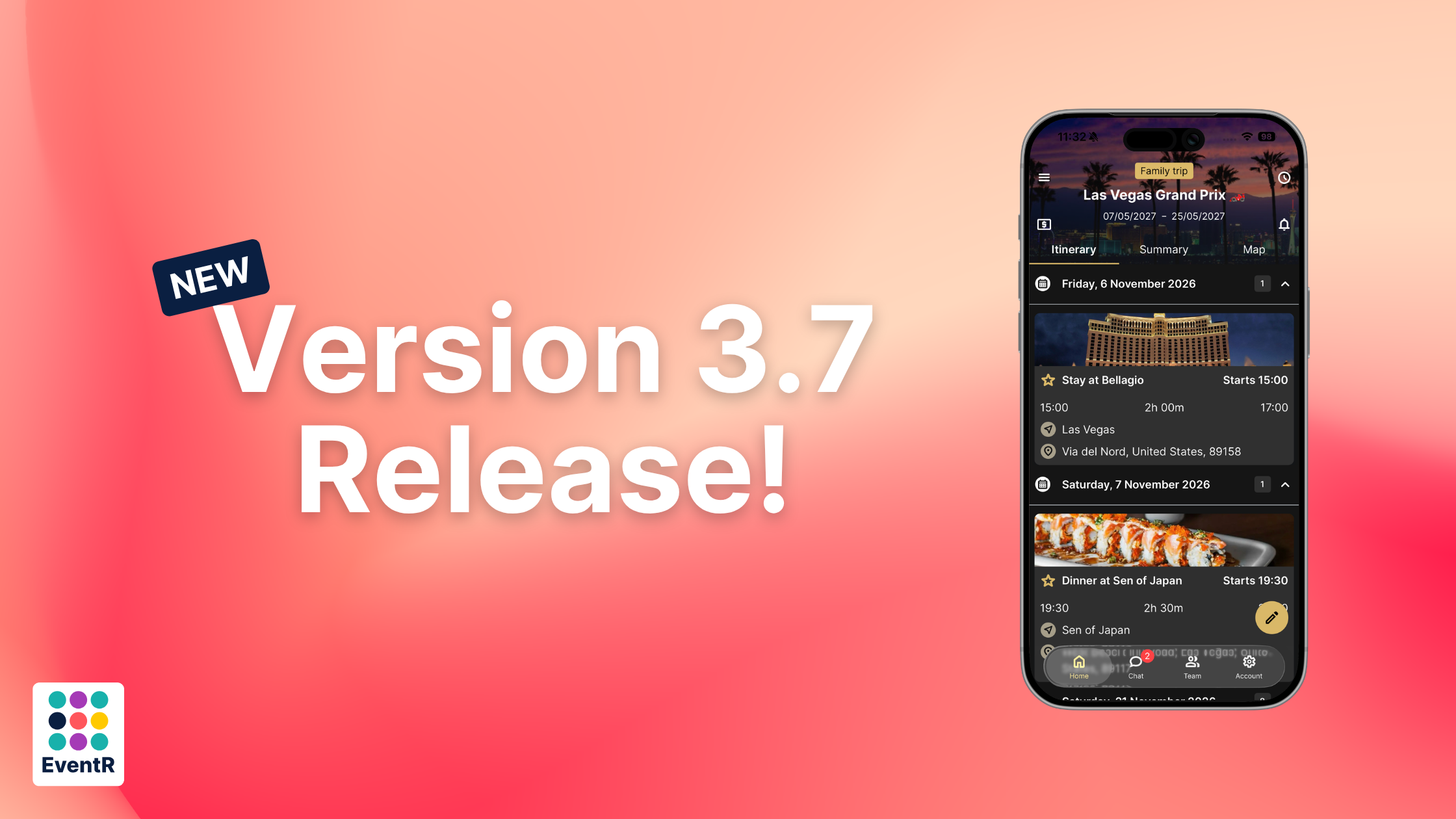
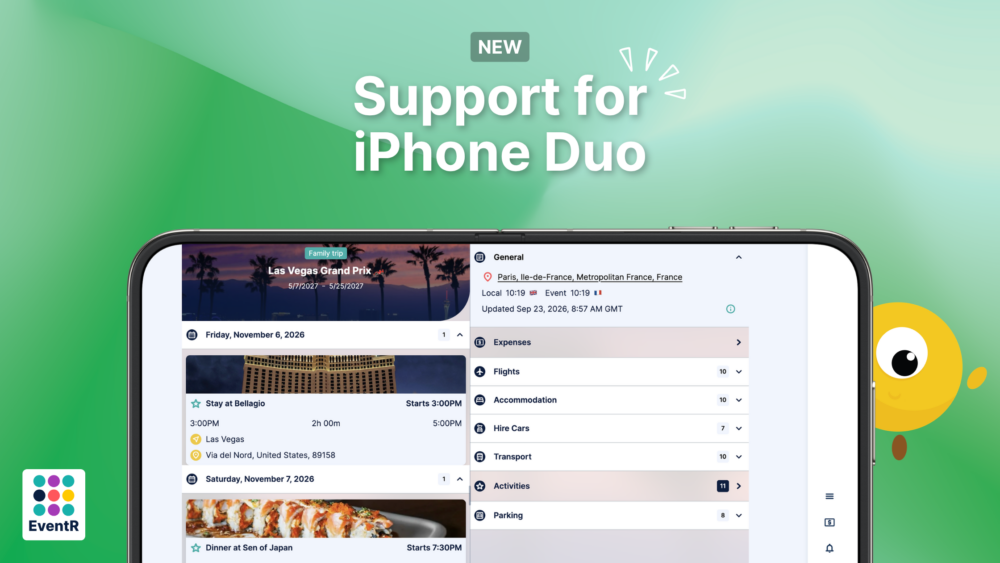
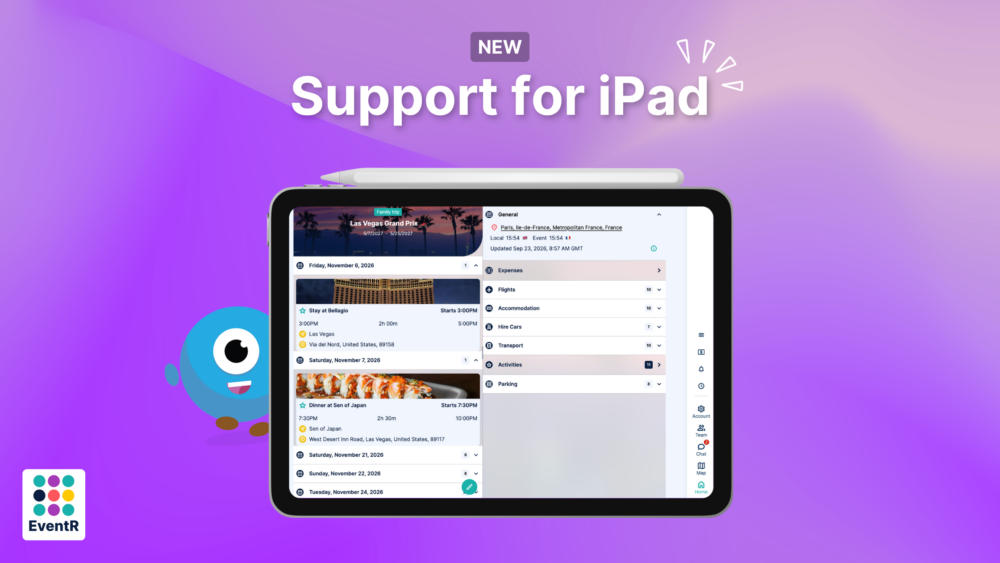
We’re adapting to the market! EventR can now be configured to sport a two-pane display for the larger screens, just in-time for whoever’s grabbing the new iPhone.
iPad Redesign
Similar to the iPhone Duo, EventR now uses the space on the screen to its advantage and users can navigate at much higher speeds.
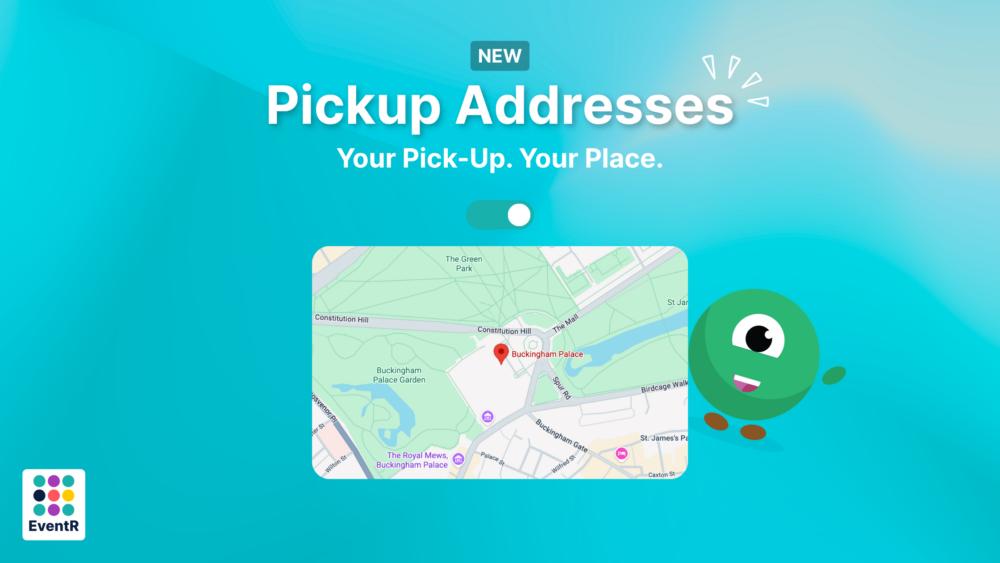
Address Improvement
Users can add addresses to their profiles that will effect defaults when creating bookings or organising activities. We’re essentially helping by giving people defaults for their offices, homes etc. This will help your coordinators make itineraries and organise travel and or accommodation at much higher speeds.
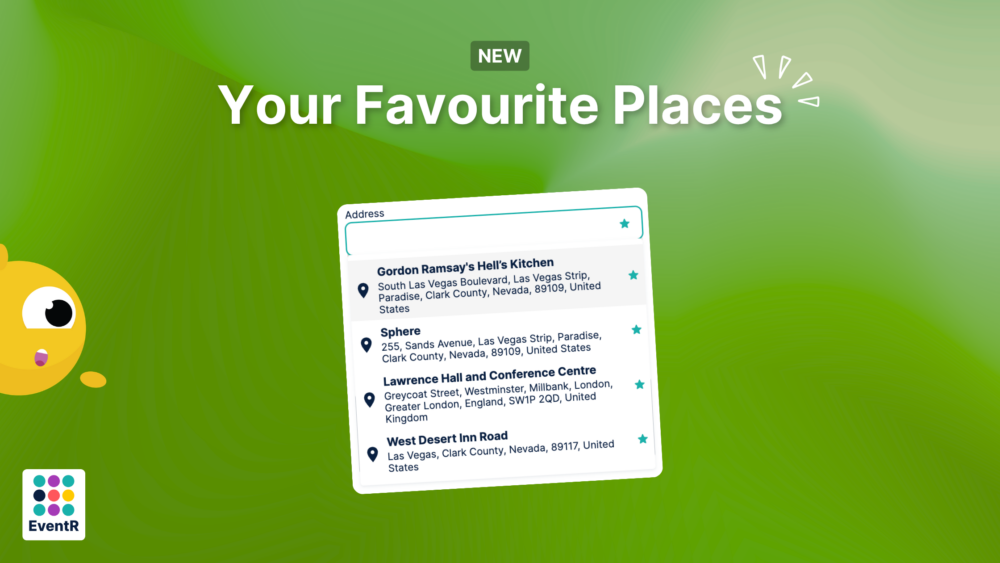
Favourite Addresses
We’ve given the option for users to ‘favourite’ addresses, allowing you to collate a shortlist of places you visit frequently. Simply type an address into any one of the address fields, a star will appear when you hover over one of the options. All you do is click the star to add the address to your favourites list.
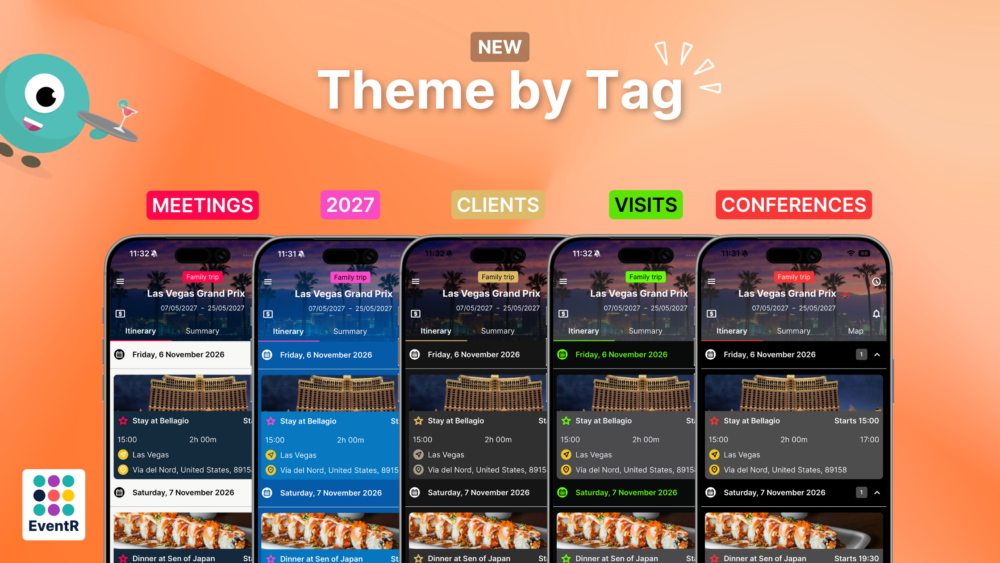
Tag Theming
Users can now theme their itineraries quicker than ever before. Make a theme as usual in the ‘Theme’ section. Only this time, you can chose to attach the theme to a tag. If you wish multiple itineraries to have this theme, just attach the tag to al the itineraries you wish.
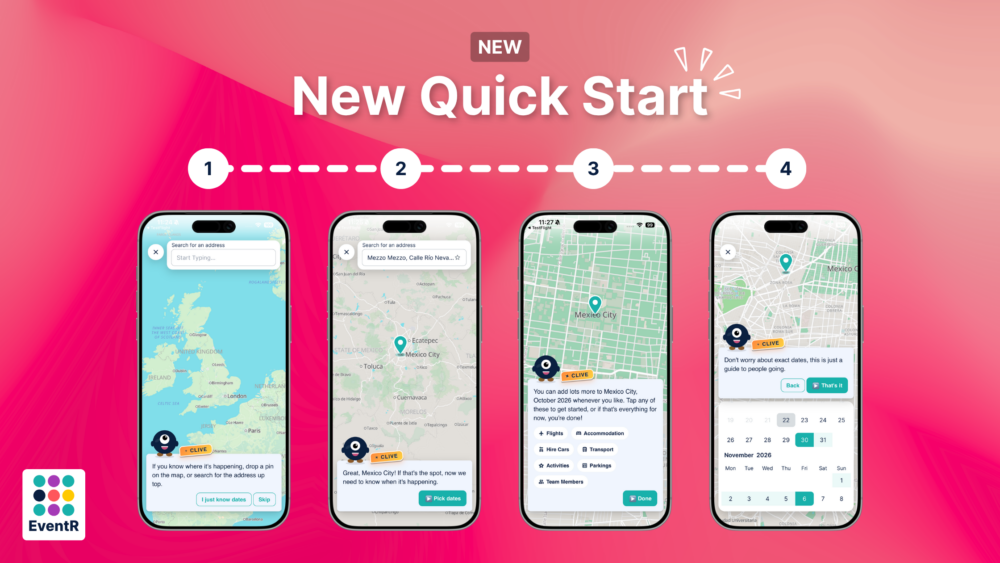
Guided Itinerary Creation
Clive has kindly offered to show you how to create basic itineraries by asking you to input the location., the dates and to give it a name. This is completely optional and can be turned off at any time in the settings.
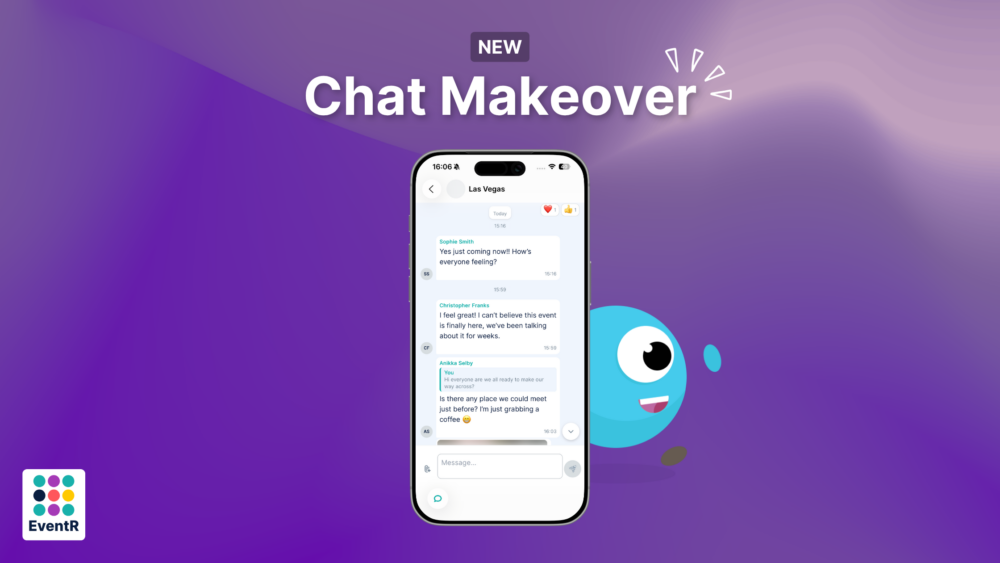
New Chat
We’ve updated the messaging side of things in EventR. You can now directly reply to messages, send multiple attachments/images at once with it all looking just that bit more polished.
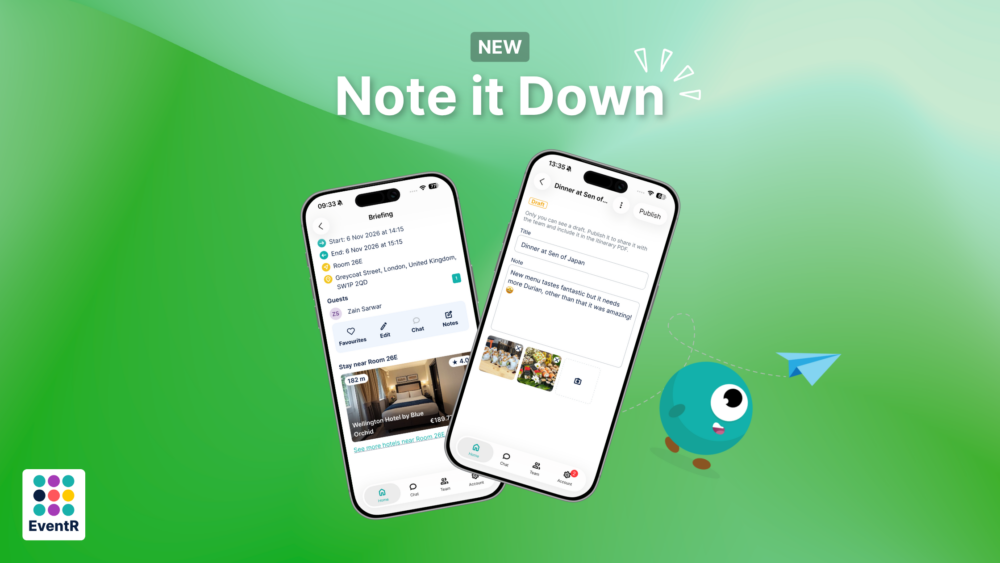
Jot that down
Users can now add notes against itineraries. This can be an effective way to remind yourself of certain requirements, status reports, maintenance issues and more. These notes will also show up if you export a PDF of your itinerary.
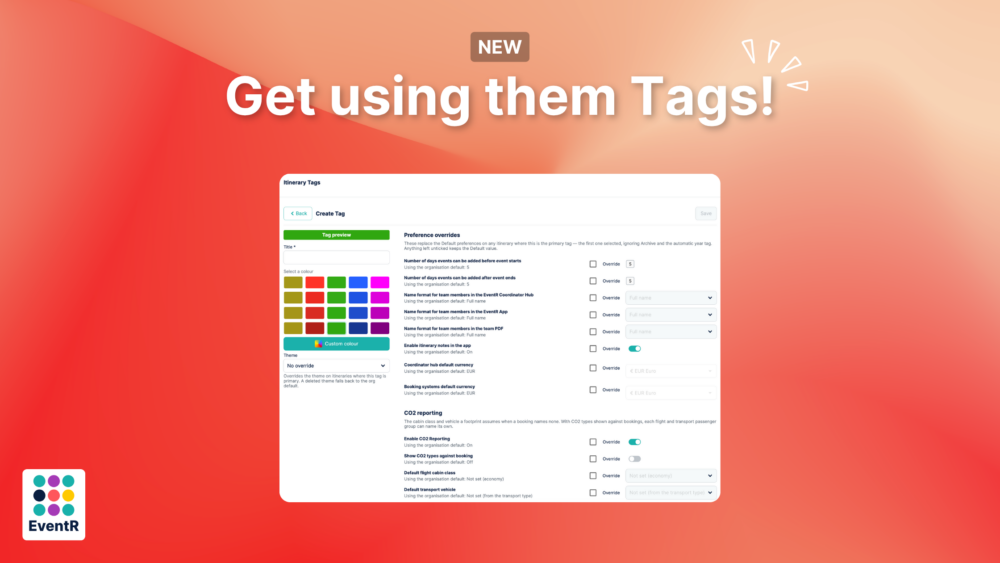
Improved Tagging
Tags now come with more options to customise itineraries, set defaults or override currencies. Tags are slowly becoming the best way to have different defaults and parameters between all your itineraries. For example, instead of having to constantly change your default transport vehicle, currencies for costs or name formats, you just have to do it once in the tags and apply the tag to all itineraries you wish to have those settings.
If you have any questions or want to learn more about our EventR Team or Coordinator, don’t hesitate to contact us at contact-eventr@softpauer.com!