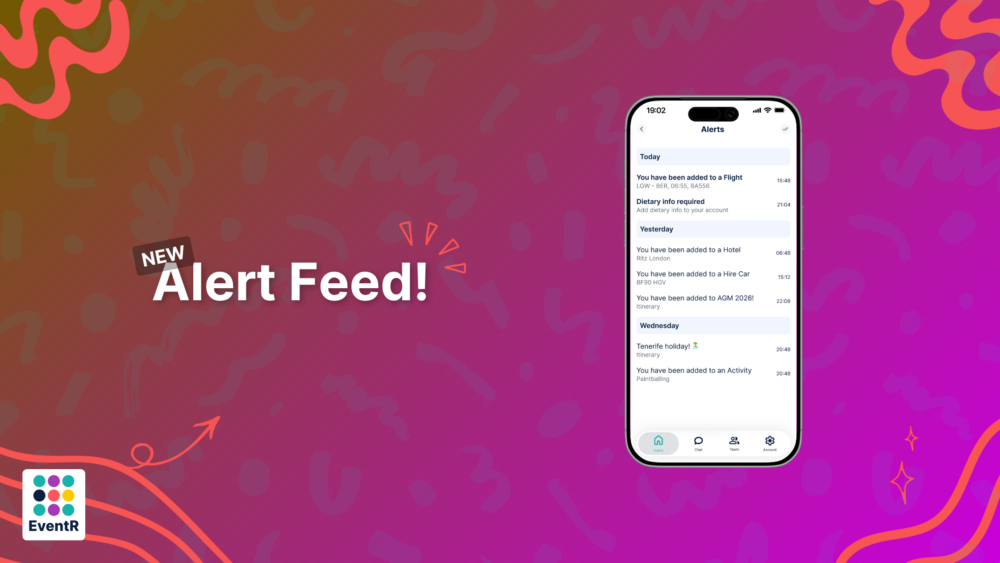
Our all-new ‘Alert Feed’ is an area which collates all important information that you will need before, during or after your event or itinerary has taken place. Located in the top navbar, it serves as a hub where you will receive notifications telling you that, for instance, you have been added to a Flight, Accommodation booking, To-Do List and more.
Liquid Glass
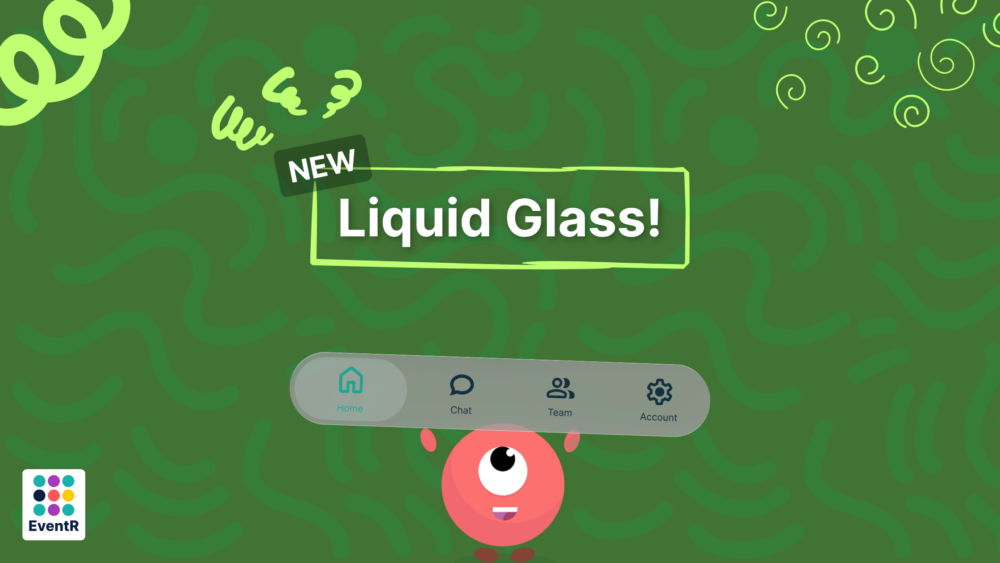
Inline with the new iOS 26 updates, EventR now boasts a sleek, clean new Navbar, stylised with Apple’s very own ‘Liquid Glass’ design.
Better Local Notifications
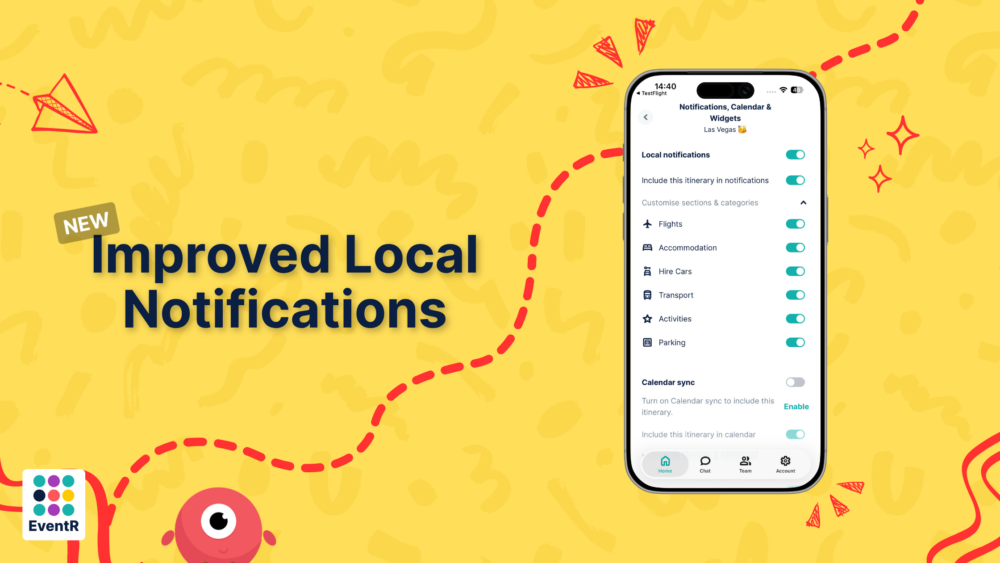
You now have far better control of which areas and sections of your itinerary which you would like to receive notifications from. If you don’t wish to be updated on your ‘Hire Car’ situation, simply just toggle it off and it will not appear in your notifications.
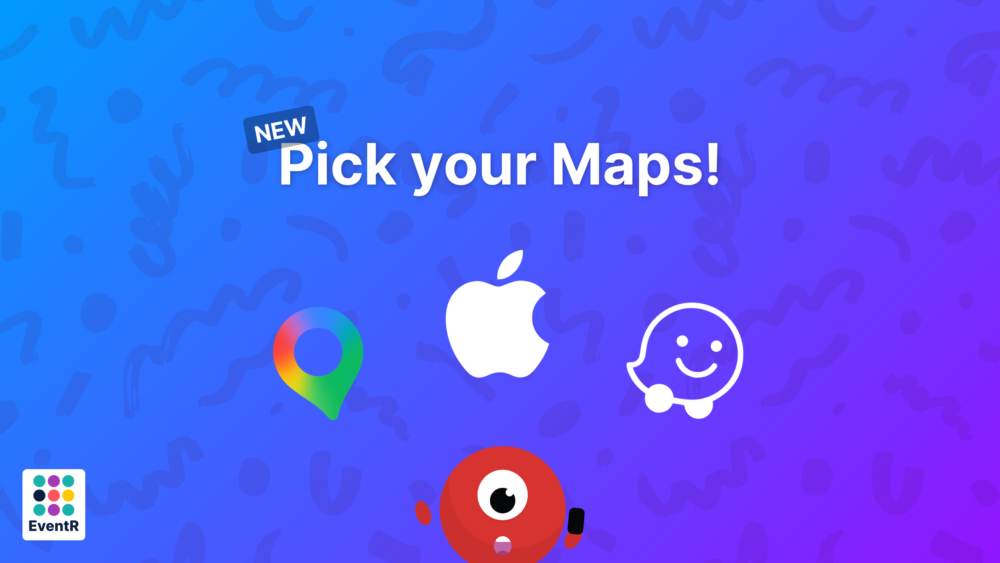
Apple, Google, Waze
When selecting an address or location in EventR, you’ve now got the option between Apple, Google and Waze to direct you there.
Better PDFs
The PDFs have had a huge overhaul, sporting a cleaner, better presented look.
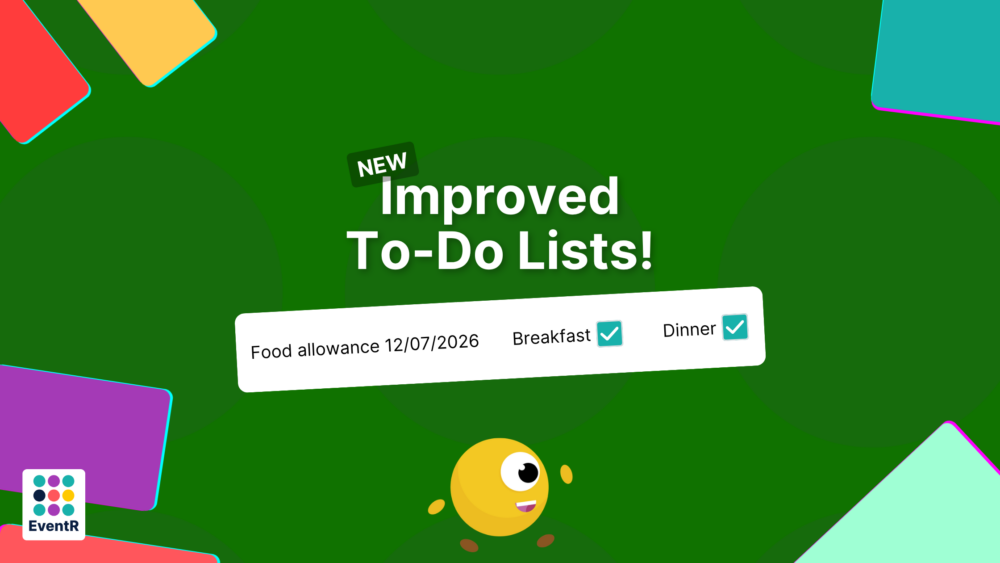
To-Do Lists
To-Do Lists now support the ability to switch orientation from vertical to horizontal. You can now use it as a way of tracking food allowances and more.
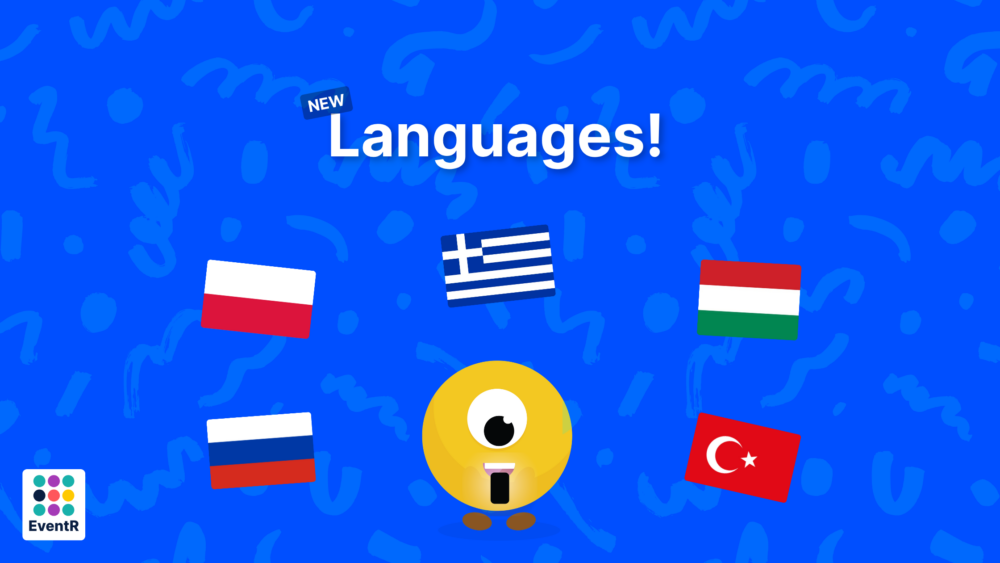
New Languages
Russian, Polish, Greek, Hungarian and Turkish have all been added to EventR.
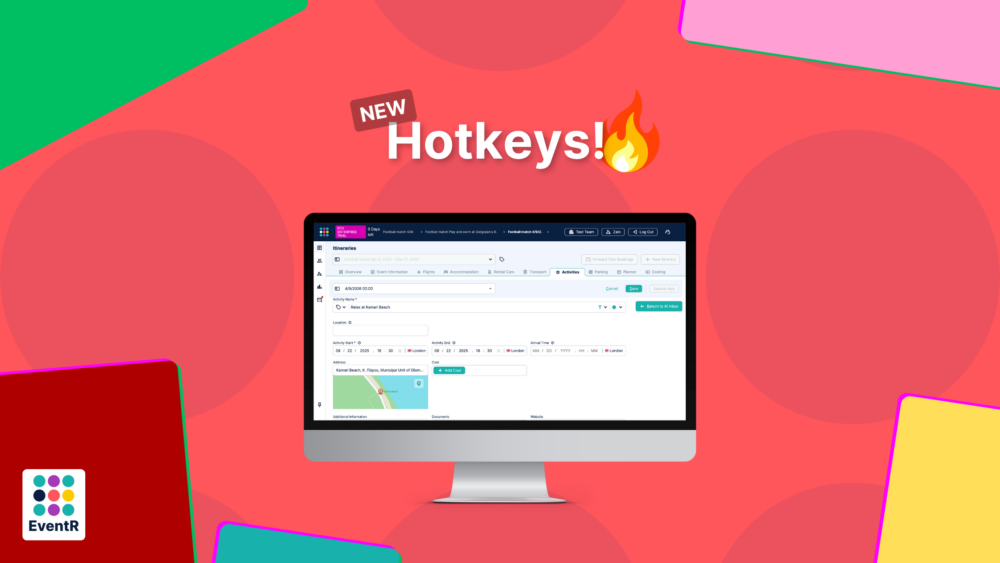
Hotkeys
Keyboard shortcuts now allow you to flow through the EventR interface at even greater speeds. Simply push the letter on your keyboard to complete the action.
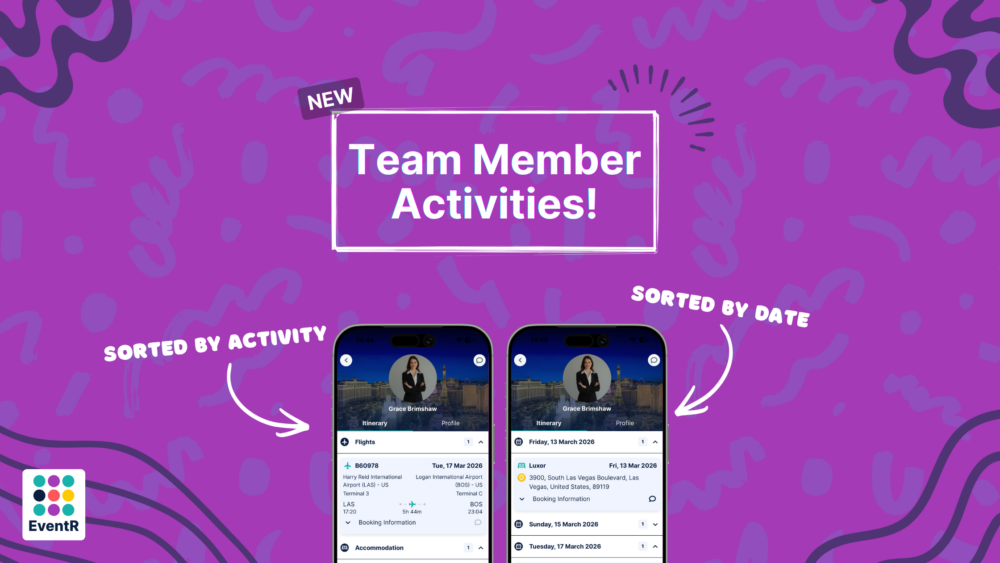
Team Member view
You can toggle to view the activities of your team members differently. In the settings, you can switch between your team member information to be displayed in its category, i.e Flights, Accommodation, Hire cars etc. Or, you can chose to have it display in chronological order, so it is easier to see the days where things are taking place.
If you have any questions or want to learn more about our EventR Team or Coordinator, don’t hesitate to contact us at contact-eventr@softpauer.com!