14 Jul EventR vs ClickUp — Built for Events, Not Adapted for Them
There’s a version of this article where we spend three paragraphs explaining what ClickUp is. But if you’re reading this, you probably already know. ClickUp is one of the most talked-about productivity platforms of the last five years, and for good reason. It’s capable, aggressively priced, and constantly improving. The question isn’t whether ClickUp is a good tool — it is. The question is whether it’s the right tool for event teams.
What Clickup gets right
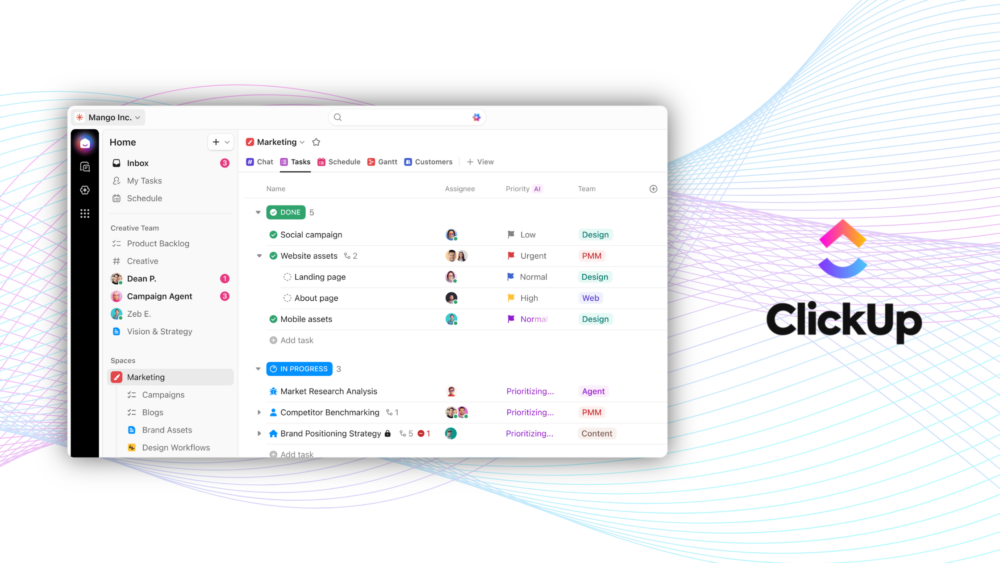
ClickUp has evolved into a serious all-in-one workspace. The platform covers task management, collaborative docs, whiteboards, goals, time tracking, dashboards, and sprint management under one roof. The Unlimited plan at $7/user/month (billed annually) unlocks unlimited storage, Gantt charts, integrations, custom fields, and native time tracking — a strong offering at that price point. The Business plan at $12/user/month adds unlimited dashboards, 5,000 automations per month, sprint reporting, and Google SSO.
ClickUp Brain, the AI layer, is particularly impressive for general knowledge work. It can summarize tasks, generate project updates, auto-create subtasks, and search across your entire workspace using natural language. The Everything AI tier at $28/user/month adds ambient answers, a meeting notetaker, AI-powered custom fields, and unlimited image generation. For a software team or a marketing agency, this is a compelling package.
The platform’s hierarchy: Workspaces, Spaces, Folders, Lists, Tasks, is deeply customizable and the 15+ views mean different team members can see the same data in whatever format works for them. ClickUp has built a reputation as the tool that replaces multiple other tools, and for many teams, that’s exactly what it does.
Where ClickUp hits its limits for events teams
The moment you start running real events, the gaps appear. Not because ClickUp is poorly designed (it’s not) but because event logistics requires capabilities that no general project management tool has prioritized.
Take live flight tracking. When you’re coordinating 30 inbound flights for talent, crew, and VIP guests, you need to know in real time if a flight is delayed, diverted, or cancelled. That information changes your ground transport schedule, your hotel check-in timing, your catering orders, and your crew briefing. ClickUp has no flight tracking. You’re checking airline apps manually and updating tasks by hand.
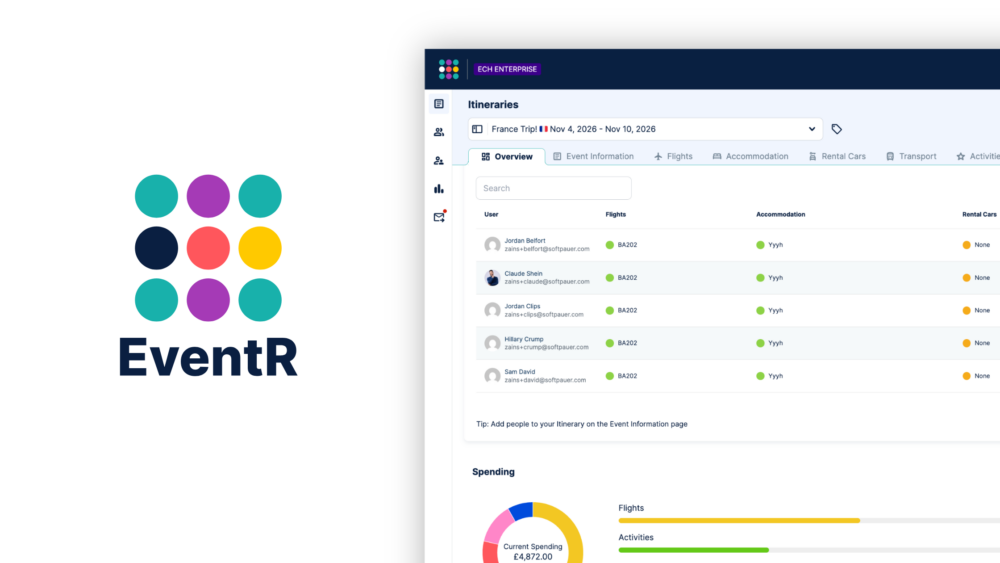
Hotel booking is another gap. EventR has hotel booking built directly into the platform. You can search, book, and manage accommodation for your entire team without leaving the app. In ClickUp, hotel booking lives in a completely separate tool, with a completely separate login, and the data never flows back into your event timeline automatically.
The map is where the difference becomes most obvious during a live event. EventR’s map shows every team member’s real-time location, alongside numbered activity markers that show the order of the day’s schedule. You can filter by time, toggle team member visibility, and tap any location to open it in Apple Maps, Google Maps, or Waze. In ClickUp, there’s no equivalent. You’re relying on WhatsApp messages and radio calls.
Then there’s the expense side. EventR’s costing model tracks expenses across multiple currencies, assigns cost centres, supports ISO merchant codes, and even logs CO2 as a trackable cost, all of which can be exported to Excel for reconciliation. ClickUp has time tracking. That’s not the same thing.
The AI Inbox is worth mentioning too. You can forward a hotel confirmation email, a flight booking PDF, or a spreadsheet of activities to a dedicated EventR email address, and the platform will parse the documents and suggest itinerary entries for you to review and add with one click. ClickUp Brain can summarize a task. EventR’s AI can build your event from your inbox.

What EventR does instead
EventR handles all of the above natively, in a single app, without integrations or workarounds. The multi-team architecture means you can run an event with five parallel teams, each with their own manager, their own schedule, and their own visibility, all within the same EventR event. Rooming lists generate formatted PDFs for hotels. Public itineraries give attendees a clean, read-only view of what’s relevant to them. The iOS home screen widget puts the day’s schedule one tap away. Calendar syncing keeps everything connected to your existing calendar. And Guerrilla Mode means small teams can use EventR with zero configuration, everyone has equal access, anyone can edit anything and there’s no hierarchy to set up.
ClickUp is a great tool for the teams it was built for. Event teams aren’t those teams. EventR is free to try, and the difference will be obvious within the first event.